
Stay Updated with the Latest Insights and Tips
Welcome to our blog page! At 222 Websites, we share valuable content designed to help your business thrive in the digital world. From web design trends to SEO strategies and digital marketing tips, our blog is your go-to resource for staying informed and ahead of the competition.

Small Business Website Cost: What You Really Need to Know
How Much Does a Small Business Website Cost? A clear pricing breakdown and what you’re really paying for
Knowing how much a website will cost helps you plan and avoid surprises. Prices vary by design, features, and the level of ongoing care you need. This guide covers common pricing tiers, the pieces that add up to the final bill, and straightforward budgeting tips so you know what to expect when you invest in a site for your business.
What are the typical pricing tiers for small business websites?
Most web providers group services into basic, standard, and premium packages. Each tier adds more design time, customization, and functionality. Costs range from a few hundred dollars to $10,000+ depending on how bespoke and feature-rich the site is.
How do basic, standard, and premium website packages differ?
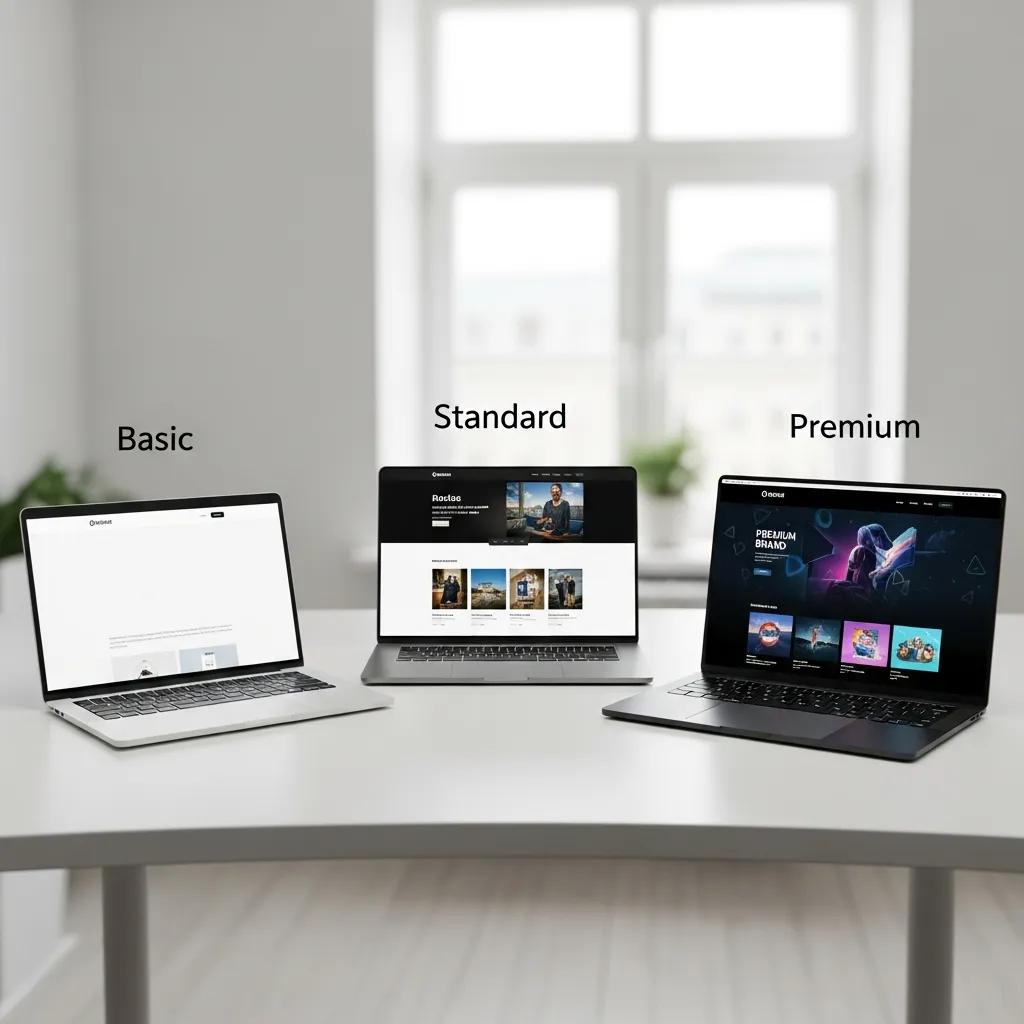
Basic packages target tight budgets and simple needs: a template layout, a handful of pages, and minimal customization. Standard packages add more pages, stronger design choices, and basic SEO to help you get found. Premium packages are for businesses that need custom design, advanced features (like e-commerce), and ongoing support and optimization.
What services are included in each pricing tier?
Inclusions vary by provider, but typical items include:
Design: Clean, template-based layouts for quick starts.
Development: Core coding to make pages, forms, and basic features work.
SEO: Essential on-page setup to improve visibility.
Standard packages often add:
Custom design: Design tuned to your brand and audience.
Additional pages: More content, services, and functional sections.
Basic SEO: Initial keyword and structure work to boost search performance.
Premium packages typically include:
Full customization: Unique layouts and brand-first visual design.
E-commerce functionality: Product pages, carts, and payment setup.
Ongoing SEO and maintenance: Continuous updates, performance tuning, and support.
222Websites offers packages across these tiers so businesses can choose the mix of features and support that fits their goals.
What components contribute to the total cost of a small business website?
Several line items combine to create the final price. Knowing them helps you budget and avoid unexpected fees.
How do design, development, hosting, maintenance, and SEO affect pricing?
Design and development usually make up the largest share of the bill—custom design and complex functionality require more time and expertise. E-commerce, integrations, or interactive features raise costs further.
Hosting is another ongoing cost and varies by provider and performance level. Maintenance covers updates, backups, and security checks to keep the site healthy. And professional SEO services—from technical fixes to content strategy—add to monthly or project costs but are crucial for long-term visibility.
What are the ongoing costs beyond initial website design?

After launch, expect recurring expenses such as:
Monthly hosting fees: Usually $5–$50, depending on speed, reliability, and hosting type.
Maintenance and updates: Routine updates and small fixes often run $50–$200 per month.
SEO and marketing: Ongoing SEO and marketing work can range from $500 to $2,000 per month, depending on goals and scope.
Factoring these into your plan helps keep the website secure, fast, and effective over time.
How can small businesses budget effectively for website costs?
Budgeting gets easier with a clear plan. Prioritize what you need now versus what can wait, and include recurring costs in your forecast.
Budgeting is a common challenge for many small businesses, and it extends beyond websites into overall financial planning.
Budgeting challenges for small business finances
Small and medium-sized enterprises (SMEs) are important to the economy but often struggle with budgeting. Although budgeting helps with resource allocation and forecasting, many SMEs use informal or inconsistent processes, and the area needs more research.
Budgeting for small business: A study literature review, Z Azhar, 2025
What are practical tips for planning your website budget?
Research costs: Compare common package prices and local rates so you know what’s reasonable.
Prioritize features: Decide which functions are essential at launch and which can be phased in later.
Set a realistic budget: Include both the upfront build and recurring hosting, maintenance, and marketing costs.
How to avoid hidden costs in website development?
Understand contract terms: Read scope, deliverables, and payment terms before you sign.
Clarify service inclusions: Ask what’s part of the package—design revisions, content updates, and training are often extra.
Ask about additional fees: Check for charges related to third-party tools, licensing, migrations, or future redesigns.
Should small businesses choose DIY website builders or professional services?
Both paths can work. Your choice depends on budget, technical skill, and how important a custom experience is to your brand.
What are the cost differences between DIY and professional website design?
DIY builders have lower upfront costs—some are free or inexpensive—but they limit customization and scale. Professional design costs more up front but delivers a site built to your needs and often converts better for your business.
What are the pros and cons of each approach?
DIY website builders:
Pros: Lower cost, easy to use, fast setup.
Cons: Less flexible design, limited scalability, and fewer hands-on support options.
Professional services:
Pros: Tailored design, better performance, and ongoing support.
Cons: Higher initial investment and longer build timelines.
Choose the option that fits your budget, timeline, and how much you rely on your site for sales or leads.
Frequently Asked Questions
What factors should I consider when choosing a website package?
Think about your business goals, who you’re trying to reach, and the features you truly need. Consider how much customization, SEO, and e-commerce capability you require, and factor in long-term maintenance and marketing costs. For more details, visit 222Websites services.
How can I determine if a website is worth its cost?
Measure value by potential ROI: will it attract visitors, convert them into customers, or boost your brand? Look at case studies, client reviews, and forecasted traffic and conversion improvements to estimate payback. Check out the portfolio for examples of successful projects.
What are the common mistakes to avoid when budgeting for a website?
Common mistakes include underestimating ongoing costs, skipping maintenance, and overlooking SEO and marketing. Prioritize essential features and plan for future growth to avoid costly surprises.
How often should I update my website to keep it effective?
Update content at least every six months to keep information fresh; perform technical and security updates monthly. Regular updates improve user experience and help maintain search rankings. Learn more about ongoing support at 222Websites web design.
What are the benefits of investing in professional web design services?
Professional services deliver a site aligned with your brand and business goals, improved user experience, and technical reliability. They can also implement advanced features and long-term SEO strategies that DIY tools usually don’t offer. Explore professional options at 222Websites web design and SEO services.
Can I switch from a DIY website to a professional service later on?
Yes. Migration is common but can involve content transfer, redesign, and extra costs. Plan the transition to minimize downtime, and choose DIY platforms that make migration easier if you expect to upgrade later. Contact 222Websites for assistance with migration and upgrades.
Additional Insights and Industry Statistics
According to a 2023 survey by Clutch, small business website costs average around $3,000 to $5,000 for a basic to standard site, with 40% of businesses spending more than $10,000 for premium features. This aligns with industry data showing that 70% of small businesses consider their website a critical part of their marketing strategy.
Research from the Small Business Administration (SBA) highlights that businesses with professionally designed websites see up to a 50% increase in customer engagement compared to those using DIY solutions. Furthermore, a report by HubSpot found that companies investing in ongoing SEO and website maintenance experience a 14.6% conversion rate on average, compared to just 1.7% for outbound leads.
Expert web designer John Smith notes, “Investing in a quality website is not just about aesthetics; it’s about building trust and credibility with your customers. A well-optimized site can significantly improve your search rankings and customer retention.”
Additionally, the 2024 Web Almanac by HTTP Archive reveals that websites with regular maintenance and updates load 30% faster and have 25% lower bounce rates, directly impacting user experience and sales.

Unleash Your Business Brilliance.
Your Online Success Starts Here
© 2026 222 Websites - All Rights Reserved