Stay Updated with the Latest Insights and Tips
Welcome to our blog page! At 222 Websites, we share valuable content designed to help your business thrive in the digital world. From web design trends to SEO strategies and digital marketing tips, our blog is your go-to resource for staying informed and ahead of the competition.
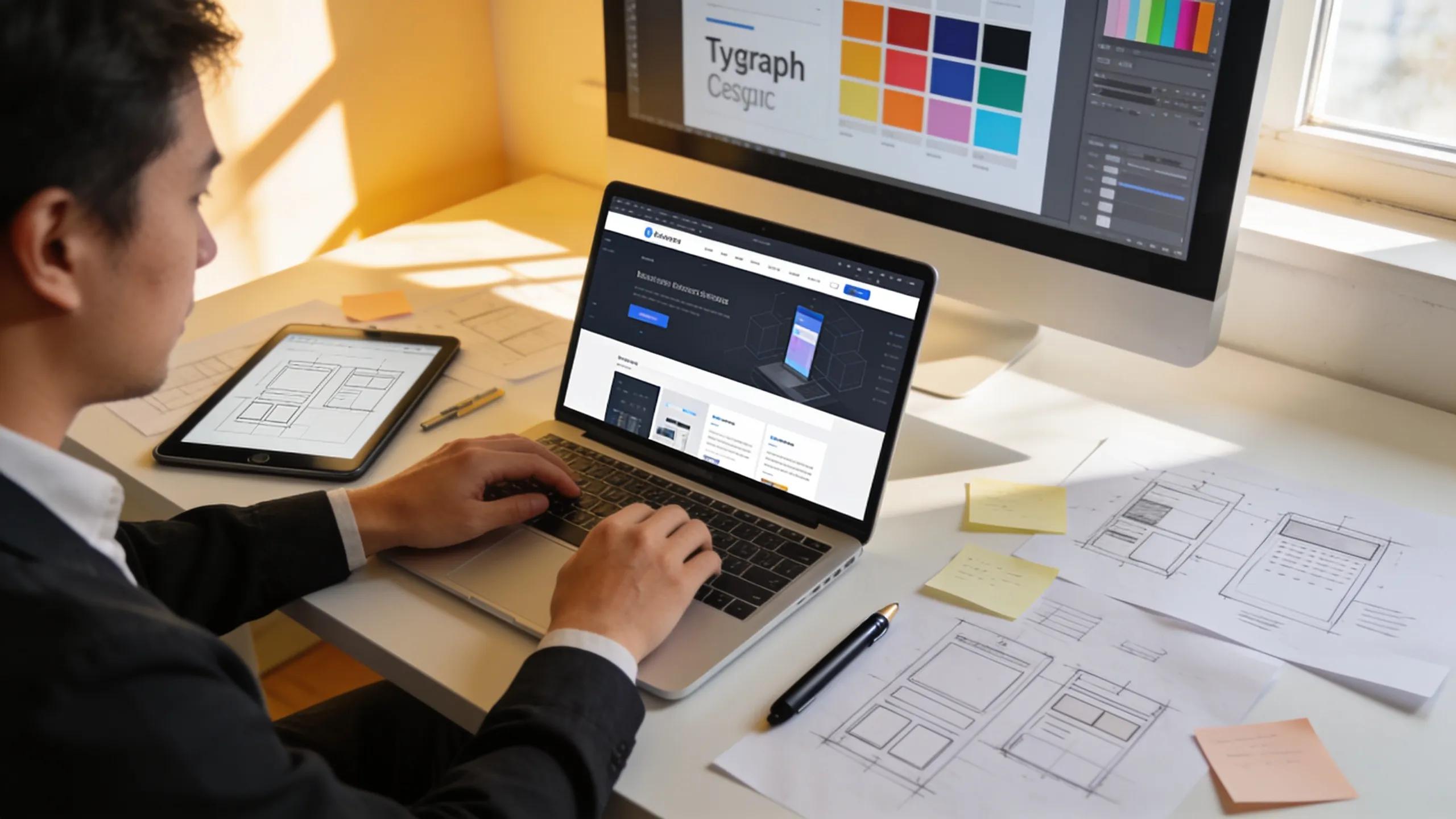
How to Choose the Right Website Designer for Your Business
How to Choose the Right Professional Website Designer for Your Business
By Sean Hyde, 222 Websites
Choosing the right website designer is a key step toward a strong online presence. A well-designed site acts as a digital storefront, improving brand visibility and user engagement. This article outlines practical criteria to assess fit, the qualifications to check, and the types of designers suited to different needs. It also explains how SEO and user experience strengthen design outcomes. Notably, 222Websites offers custom business website solutions for small business owners and established brands.
Key Factors to Consider:
Focus on a few core factors when choosing a designer.
Portfolio Quality: Review recent work to judge style, consistency, and problem-solving ability.
Technical Competency: Confirm skills in HTML, CSS, JavaScript, responsive design, and basic SEO practices.
Support and Maintenance: Verify post-launch support, update processes, and maintenance options.
These checks help ensure the designer can meet current needs and scale with your business.
Types of Website Designers:
Choose the type of provider that fits your project scope and budget.
Freelancers: Flexible and often more affordable, good for small or focused projects.
Agencies: Offer broader services (design, marketing, SEO) and work well for larger, integrated projects.
DIY Website Builders: Low-cost options for simple sites, but limited customization and professional input.
Consider professional services like professional website design if you need a tailored solution.
Practical Tips for Assessing Suitability:
Use these straightforward steps to evaluate candidates:
Review Portfolios: Check for relevance to your industry and consistency across projects.
Ask Key Questions: Clarify process, timelines, deliverables, and revision limits.
Check Reviews: Read client feedback and seek references for recent projects.
These steps narrow your options to designers likely to deliver desired results.
Key Qualifications to Look for in a Website Designer?
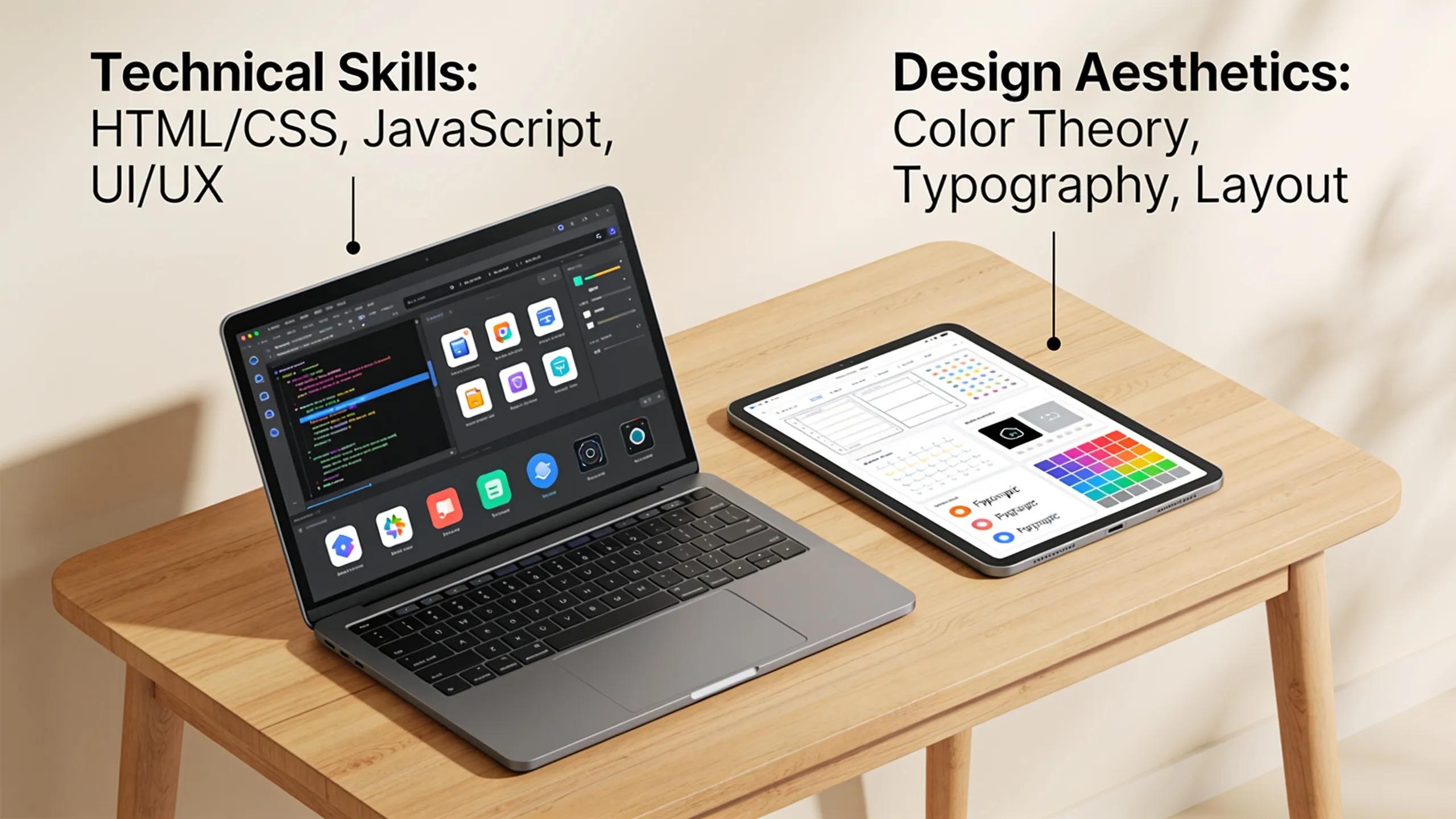
Prioritize these qualifications:
Technical Competency: Modern web tech, responsive layouts, and accessibility awareness.
Design Skills: Strong visual sensibility, typography, and layout fundamentals.
Communication: Clear process, prompt responses, and collaborative workflow.
These attributes directly affect your site’s performance and usability.
Which Design Skills and Experience Matter Most for Small Business Websites?
Small businesses benefit from practical, conversion-focused design:
Responsive Design: Mobile-first layouts that work across devices.
User Experience Focus: Simple navigation, clear calls to action, and fast load times.
Ongoing Support: Easy update paths and timely fixes after launch.
These skills help small businesses present professionally and convert visitors.
How Does Integrated SEO and User Experience Enhance Website Design?
Design that includes SEO and UX improves discoverability and engagement.
Improved Visibility: Proper site structure and on-page elements support search rankings.
User Engagement: Intuitive layouts and content reduce bounce rates and keep users on-site.
Conversion Rates: Clear value propositions and calls to action increase conversions.
Bringing SEO and UX together yields better traffic quality and outcomes.
What Questions Should You Ask Before Hiring a Website Design Agency or Freelancer?
Key questions to clarify before hiring:
Experience: Have they built sites like yours and for similar audiences?
Pricing: Is pricing fixed, hourly, or milestone-based, and what’s included?
Support: What post-launch services, warranties, or retainer options are offered?
Clear answers help set expectations and avoid surprises.
How to Assess a Designer’s Portfolio and Past Project Success?
Use the portfolio to confirm both look and function:
Visual Appeal: Modern, clean designs that fit current trends.
Functionality: Working sites with smooth navigation and load performance.
Client Feedback: Testimonials or case notes that describe measurable results.
Look for examples that reflect the goals you want to achieve.
What Project Timelines and Communication Practices Should You Expect?
Agree on timelines and how you’ll communicate:
Project Timelines: Clear milestones, delivery dates, and acceptance criteria.
Communication Methods: Preferred tools (email, chat, PM tools) and update cadence.
Feedback Processes: How revisions are submitted, tracked, and approved.
Document these items in the contract to keep the project on schedule.
How Much Does Hiring a Professional Website Designer Typically Cost?
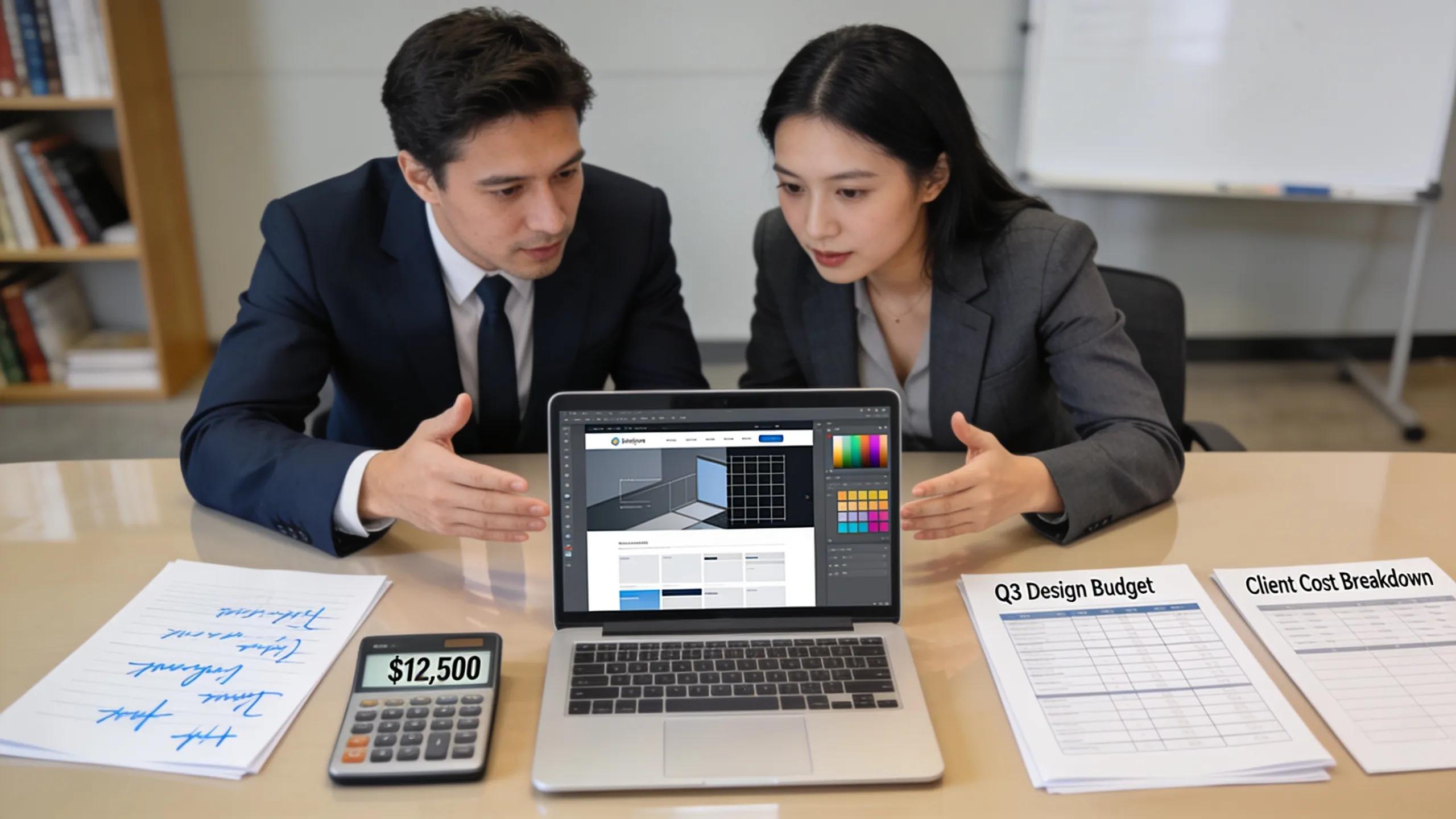
Costs depend on scope and provider:
Type of Website: Custom sites cost more than template-based builds.
Complexity: E-commerce, integrations, and custom features raise the price.
Agency vs. Freelance: Agencies typically charge more for broader services.
Understand scope and ask for detailed proposals to compare offers.
Should You Choose a Website Design Agency or Freelance Designer Based on Cost?
Compare cost against value:
Freelancers: Lower cost, direct contact, ideal for focused projects.
Agencies: Higher cost but broader capabilities and multiple specialists.
Decision: Match the provider to project complexity, timeline, and desired outcomes.
Budgeting with clear requirements makes comparison easier.
Where Can You Find the Best Website Designers Near Me?
Search channels to find local and remote talent:
Local Agencies and Freelancers: Local listings and business directories.
Networking Events: Meet designers at industry or local business events.
Online Platforms: LinkedIn, design directories, and portfolios showcase candidates.
Combine referrals and online research to shortlist reliable options.
How to Verify Award-Winning Website Design Agencies Like 222Websites?
Confirm claims and reputation:
Check Award Claims: Verify awards and dates on independent sites.
Review Portfolios: Look for recognized projects and quality evidence.
Seek Client Testimonials: Contact references or read detailed case studies.
These checks reduce risk when choosing a partner.
What Client Testimonials and Case Studies Reveal About Designer Reliability?
Testimonials and case studies show track record and results:
Authenticity: Confirm testimonials come from real clients.
Relevance: Prefer case studies that match your business or goals.
Impact: Look for measurable outcomes (traffic, leads, conversions).
Use this evidence to validate claims and shortlist trusted designers.
Frequently Asked Questions
What should I prioritize when selecting a web designer for a startup?
Prioritise flexibility, relevant experience, and cost. Choose designers whose portfolios reflect your niche and who can deliver responsive designs. Confirm budget, timelines, and communication style.
How important is SEO experience in a web designer?
SEO is important because structure and on-page design affect search visibility. A designer who applies SEO fundamentals during build saves time and supports organic growth.
What type of ongoing support can I expect from a website designer?
Expect maintenance, troubleshooting, and minor updates. Some provide retainer packages for ongoing security, updates, and small changes.
How can I ensure a successful collaboration with my designer?
Keep communication regular, state clear goals and feedback, set milestones, and use project tools to track progress and approvals.
Are there specific questions to ask a designer regarding security features?
Ask about secure hosting, SSL, backups, access controls, and measures they take to prevent common vulnerabilities.
How do I measure the success of my website post-launch?
Track KPIs such as traffic, bounce rate, conversion rate, and engagement. Use tools like Google Analytics to monitor performance and guide improvements.

Unleash Your Business Brilliance.
Your Online Success Starts Here
© 2026 222 Websites - All Rights Reserved