Stay Updated with the Latest Insights and Tips
Welcome to our blog page! At 222 Websites, we share valuable content designed to help your business thrive in the digital world. From web design trends to SEO strategies and digital marketing tips, our blog is your go-to resource for staying informed and ahead of the competition.
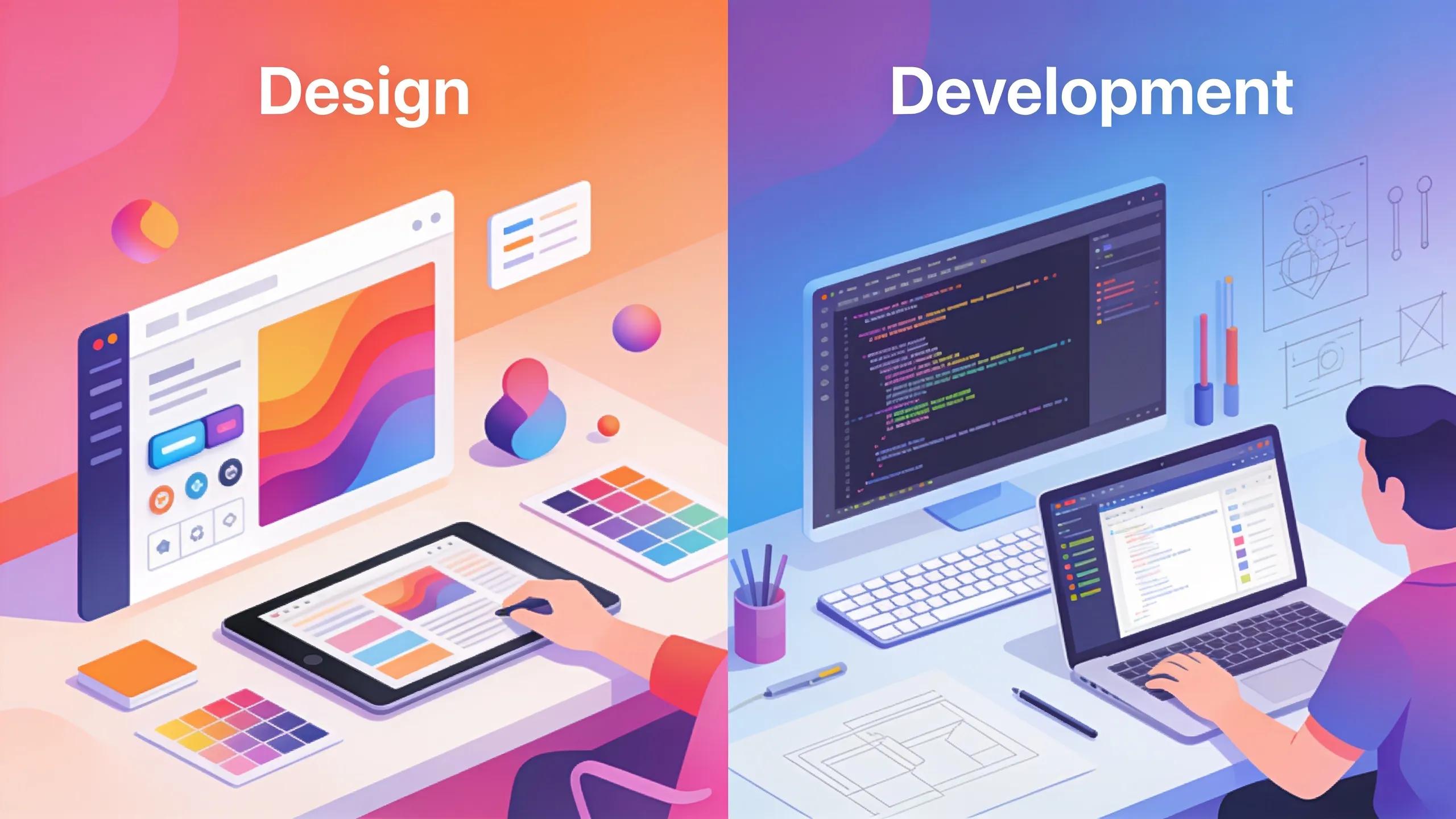
Website Design vs Website Development: What's the Difference?
Website Design vs Website Development: What They Are and How They Work Together
By Sean Hyde, 222 Websites
The digital landscape changes fast, so knowing the difference between web design and web development matters. Design defines appearance and interaction; development builds the systems that make those designs work. Together, they produce sites that look good and perform reliably. For service options, see the site’s web design offerings.
This article defines each field, summarizes core UI and UX principles, and explains how designers and developers collaborate and pursue careers.22
What is Website Design and Which UI vs UX Principles Define It?
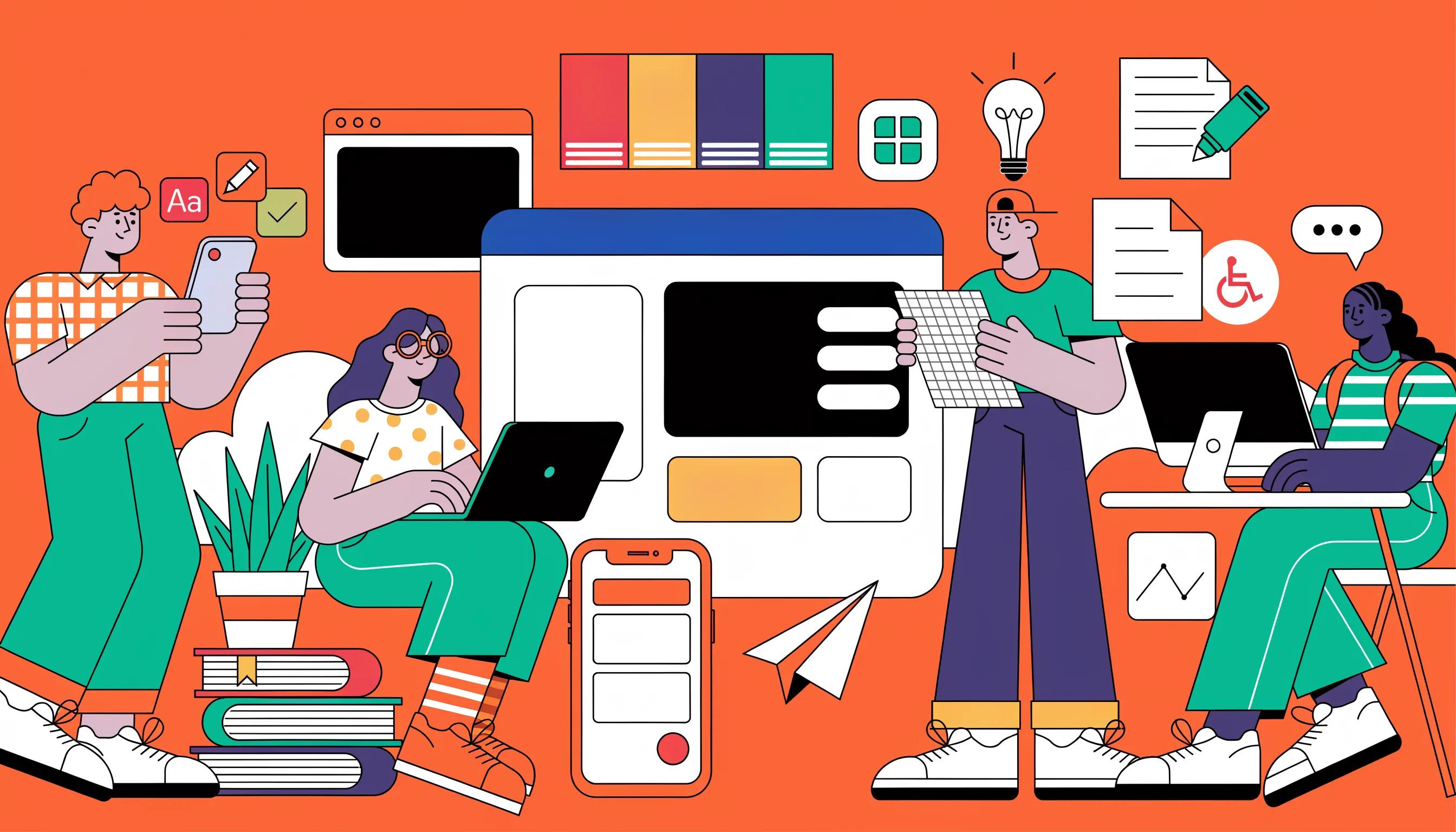
Website design plans visual and interactive elements to shape a visitor’s experience. UI focuses on clear visual hierarchy and accessibility so interfaces are intuitive. UX covers the whole experience—how users feel, complete tasks, and whether the site meets expectations. When UI and UX align, the site is both engaging and effective.
How do Web Design Principles Shape User Experience?
Design choices translate to usability. Key elements include:
User-Centered Design: Solve real user needs to build trust and satisfaction.
Visual Hierarchy: Use size, color, and placement to guide attention.
Consistency and Accessibility: Keep patterns uniform and make the site usable for everyone.
Applying these principles improves engagement and conversion.
What Are the Main Differences Between UI and UX Design?
UI and UX overlap but differ in scope:
Focus and Scope: UI handles visible elements (buttons, icons, layouts); UX covers the overall user journey.
Components Involved: UI emphasizes visual and interaction details; UX relies on research, testing, and iteration.
Outcome Goals: UI targets usable, attractive interfaces; UX targets smooth, goal-oriented experiences.
Knowing these roles clarifies teamwork and deliverables.
What Does Website Development Include: Frontend and Backend Basics?
Development splits into frontend (what users see) and backend (server-side systems).
Frontend uses HTML, CSS, and JavaScript to implement layouts, styles, and interactions with responsive design. Backend manages databases, server logic, and integrations using languages such as PHP, Python, or Ruby to store data securely and keep the site performant.
What Are the Core Tasks in Frontend Development?
Frontend duties include:
Building the User Interface: Translating designs into HTML/CSS/JS.
Implementing Responsive Design: Ensuring usable layouts on phones, tablets, and desktops.
Optimizing for Performance: Reducing load times and improving responsiveness.
These tasks deliver a smooth client-side experience.
What Are the Key Elements of Backend Development?
Backend supports the frontend with:
Database Management: Reliable data storage and retrieval.
Server Configuration: Secure hosting and service management.
Security and Performance Optimization: Protecting data and tuning systems.
A well-designed backend enables stable, maintainable sites.
How Do Website Designers and Developers Collaborate Effectively?

Smooth collaboration relies on clear communication, shared expectations, and respect for each discipline’s constraints.
Best practices include joint planning, regular reviews with constructive feedback, and shared project tools to keep everyone aligned.
What Are Common Workflow Integration Practices?
Practical steps include:
Joint Project Planning: A shared roadmap with milestones.
Feedback Management: Clear channels and standards for feedback.
Quality Assurance Testing: Tests to catch issues before launch.
These habits improve team efficiency and outcomes.
How Do Design and Development Synergize for Responsive Websites?
Designers set flexible layouts and rules; developers implement patterns so they behave consistently across devices. Early collaboration helps the site both look good and perform well on phones, tablets, and desktops.
Practical Examples of Collaboration, Communication Tools, and Project Lifecycle
In a typical web project, website designers and developers collaborate closely from start to finish:
Initial Discovery and Planning: Both teams discuss goals and define requirements to align design and technical feasibility.
Wireframing and Prototyping: Designers create mockups shared with developers to validate ideas and suggest implementation approaches.
Development: Developers build frontend and backend components based on design specs, with ongoing communication to resolve ambiguities.
Testing and Iteration: Joint user testing identifies issues; designers and developers adjust accordingly.
Launch and Maintenance: Continuous feedback loops ensure performance and user satisfaction.
Common communication tools facilitating this collaboration include Slack for messaging, Jira or Trello for project tracking, Figma or Adobe XD for shared design files, and Git platforms like GitHub for version control. These tools help maintain transparency, coordinate workflow, and minimize misunderstandings between website design vs website development teams.
Future Trends & Blurring Lines
The line between website design and website development keeps blurring as new tools reshape both disciplines.
Design Systems: Shared component libraries — design tokens, reusable UI kits, and documented style guides — let designers and developers pull from the same source of truth. Instead of a developer re-interpreting a static mockup, they assemble pre-approved, pre-coded components, which cuts handoff friction and reduces the "it doesn't match the mockup" problem.
Low-Code and No-Code Platforms: Tools such as Webflow, Framer, and WordPress page builders let designers publish functional pages and make layout changes without waiting on a developer for every tweak. Developers, in turn, focus their time on custom integrations, performance tuning, and the parts of a site low-code tools can't handle.
AI-Assisted Workflows: AI now touches both sides of the divide. Designers use AI features inside tools like Figma and Adobe Creative Suite to generate layout variations, resize assets, or draft copy, while developers use AI coding assistants such as GitHub Copilot to scaffold components and speed up routine coding. The net effect is that both roles are shifting toward review, judgment, and refinement rather than pure production.
As these tools mature, more professionals work comfortably across both disciplines, and teams increasingly hire for hybrid roles — "UX engineer" or "design technologist" — that sit deliberately between design and development.
Mini Case Study: When a Design Choice Meets a Development Constraint
Consider a common scenario: a designer mocks up a homepage with a full-bleed parallax scrolling effect and a custom animated navigation menu, chosen purely for visual impact. Once development starts, the team finds the effect noticeably slows page load on mobile devices and makes the menu difficult to operate with a keyboard, creating an accessibility problem.
Resolving this takes collaboration, not a redesign from scratch. The developer proposes a lighter scroll animation built with CSS transforms instead of a heavy JavaScript library, and the designer adjusts the navigation to a simpler pattern that still feels dynamic. The revised site ships faster, loads better on mobile, and stays accessible — a good illustration of why early, ongoing conversation between designers and developers, rather than a one-way handoff, prevents costly rework late in a project.
What Are the Distinct Career Paths and Skills for Designers vs Developers?
Designers and developers take different paths based on skills and interests.
Web designers need visual sensibility, familiarity with tools like Adobe Creative Suite, and UI/UX knowledge. Common skills include:
Graphic Design: Crafting effective layouts.
User Research: Understanding user needs to guide design.
Prototyping: Wireframes and mockups to test ideas early.
Web developers focus on coding, architecture, and tooling. Essential skills include:
Programming Languages: JavaScript, PHP, HTML/CSS, and related tools.
Database Management: Designing and interacting with data systems.
Version Control Systems: Using Git for code management.
These distinctions help people choose careers and help teams hire the right mix. Many professionals also rely on comprehensive <u>web design</u> services to fill gaps.
What Skills Differentiate a Web Designer from a Web Developer?
Key differences include:
Creative vs. Technical Skills: Designers focus on visual storytelling; developers on code and engineering.
Aesthetics vs. Functionality: Designers prioritize look and feel; developers ensure reliable function.
Tools: Designers use Sketch and Adobe XD; developers use frameworks like React and Laravel.
Recognizing these roles builds balanced teams.
Web Designer vs Web Developer: A Comprehensive Comparison Table
CriteriaWeb DesignerWeb DeveloperFocusVisual design, user interface, user experienceCoding, technical architecture, functionalityToolsAdobe Creative Suite, Sketch, Figma, prototyping toolsHTML/CSS, JavaScript, frameworks (React, Angular), server-side languages (PHP, Python)SkillsGraphic design, user research, interaction design, prototypingProgramming, database management, version control, debuggingDeliverablesWireframes, mockups, design systems, style guidesFunctional websites, applications, backend services, APIs
Why Should I Understand Both Roles for Successful Website Projects?
Understanding both perspectives reduces miscommunication and smooths handoffs. Project managers who grasp design and development can set realistic expectations, pick suitable tools, and plan timelines. Pairing strong design and development with strategic <u>SEO</u> improves discoverability.
Frequently Asked Questions
1. What is the role of a UX researcher in website design?
A UX researcher studies how people use a product through interviews, surveys, and testing. Their insights guide design decisions so the site meets real user needs.
2. How can I choose between website design and website development as a career?
Choose based on interest: visual problem-solving and human-centered thinking point to design; building systems and coding point to development. Try small projects in both to decide.
3. What emerging trends should I be aware of in web design and development?
Watch AI-driven personalization, mobile-first and performance-focused design, voice interfaces, sustainable sites, and architectures like JAMstack that improve speed and security.
4. What are some common mistakes to avoid in website development?
Avoid ignoring mobile optimization, skipping accessibility, neglecting SEO basics, and relying on outdated technology. Regular testing and user feedback catch issues early.
5. How important is website speed for user experience and SEO?
Speed matters: faster pages reduce bounce rates and help SEO. Use tools like Google PageSpeed Insights; typical fixes are image optimization, minifying code, and enabling caching.
6. How can designers ensure their work aligns with developers' capabilities?
Involve developers early, use design systems and style guides, provide clear specs, and maintain regular checkpoints to keep designs realistic and maintainable.
About the Author
Sean Hyde is an experienced web professional with over 15 years in the industry, specializing in both website design and website development. His extensive background encompasses UI/UX design, frontend and backend technologies, and strategic project collaboration. Sean is dedicated to bridging the gap between creative design and technical implementation, helping businesses build websites that are visually stunning and highly functional. Through his work with 222 Websites, he has guided numerous projects from concept to launch, emphasizing clear communication and robust, user-friendly solutions.

Ready to rank on page one? You need SEO services drive qualified organic traffic to your business.
Need a high-converting website? Explore our professional website design services built to scale your business.
Both services are designed to build your foundation to get found and grow.
Unleash Your Business Brilliance.
Your Online Success Starts Here
© 2026 222 Websites - All Rights Reserved