Service Area Pages: How West Virginia Businesses Can Rank in Every Town They Serve
Service Area Pages: How West Virginia Businesses Can Rank in Every Town They Serve
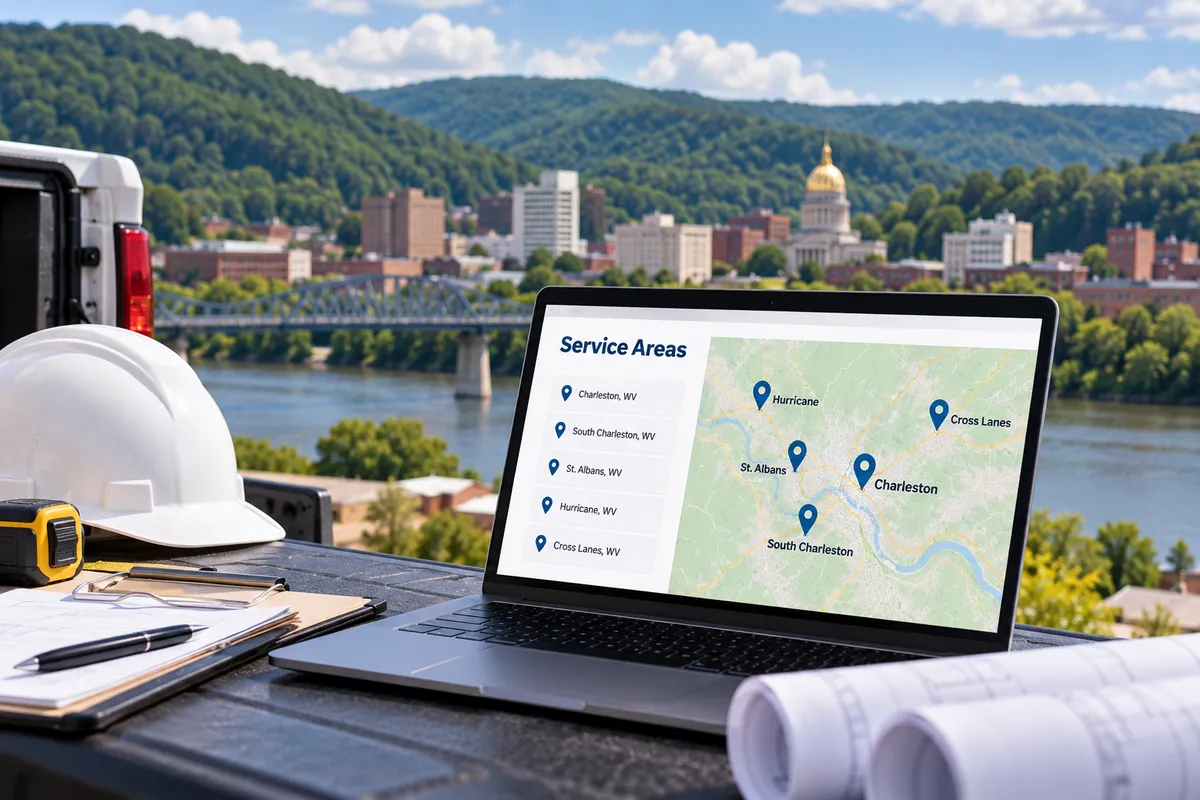
If you run a roofing company, a cleaning service, an HVAC business, or any other trade in West Virginia, your customers probably aren't all in one town. You might be based in Charleston and work in South Charleston, St. Albans, Hurricane, and Cross Lanes in the same week. But when someone in one of those towns searches for your service, your website often only "talks" about one place, so search engines have little reason to show you there.
Service area pages fix that. Done well, they give each town you serve its own useful page, help potential customers there find you, and make it clear you actually do the work in their community. Done badly, they look like spam and can hold your whole site back. Here is how to get them right, and how they fit into a practical local SEO plan.
What Is a Service Area Page?
It's a page on your website built for one specific town, city or region where you provide your services. You'll also hear it called a location page, a city page or a local landing page. It usually targets searches like "[your service] in [town]" or "[your service] near me" from people in that area.
It's different from your main service page. A service page explains what you do, like water heater installation. A location page explains how you do that work in a particular place: which neighborhoods you cover, what customers there tend to need, and how to reach you from there.
Who needs them?
These pages make the most sense if:
You run a service area business, meaning you travel to customers instead of having them come to you (contractors, plumbers, electricians, landscapers, mobile services).
You have one office or shop but regularly serve the surrounding towns or counties.
You want to show up in local search for nearby towns where you don't have a physical location.
If all your customers come to a single storefront, a strong homepage, a well-optimized service page and your business listing will usually matter more.
Why One Page Isn't Enough in West Virginia
In much of West Virginia, a "local" business can cover a lot of ground. A contractor might serve several counties, and each town has people searching by their own city name, not yours.
Your business listing on Google Maps is still one of the most important tools for local visibility (see our Google Business Profile setup and optimization guide). But map results lean heavily on how close a business is to the person searching. That means a business several towns away can find it hard to show up in another town's map results.
The regular organic search results below the map work differently. A well-built page about your work in a specific town can earn a ranking there, even if your office is somewhere else. That's the gap service area pages are designed to fill, and it's why location pages are a core part of SEO for any business serving multiple cities.
Set Up Your Business Listing's Service Area First
Before you build pages, make sure your Google Business Profile tells the same story:
Choose the right business type. Listings treat businesses that visit customers differently from storefronts. If customers don't come to your address, Google says you should remove the business address from your profile and list service areas instead. If customers come to you and you travel to them, you can show both.
List real service areas. You can currently add up to 20 service areas by city, postal code or region, and the recommendation is to keep your overall area within about two hours of driving time from where you're based.
Be accurate, not ambitious. List the places you really serve. Claiming the whole state when you mostly work in one valley doesn't help customers, and it doesn't help you.
Your website's location pages should line up with the areas listed on your profile.
Before you build: describe your real operation
Start with how customers use your business: do they visit you, do you travel to them, or both? Explain the areas you genuinely serve and any practical limits. A service-area page should clarify coverage, not imply an office, staffed branch, local phone presence or address that does not exist.
Keep private home addresses and personal phone numbers private unless an appropriate, authorized disclosure is required. Do not publish them merely to make a page appear local. Describe hours honestly, and distinguish taking a message from providing immediate service. Do not imply round-the-clock or emergency availability unless the business can substantiate it.
Before combining existing pages, inventory their URLs, content, forms and role in the site. Do not delete pages or add redirects without an approved mapping and change plan. Any structured data should match the visible, verified business facts rather than manufacture locations or promise rankings.
How to Build a Location Page That Actually Ranks
Start with the towns that matter most
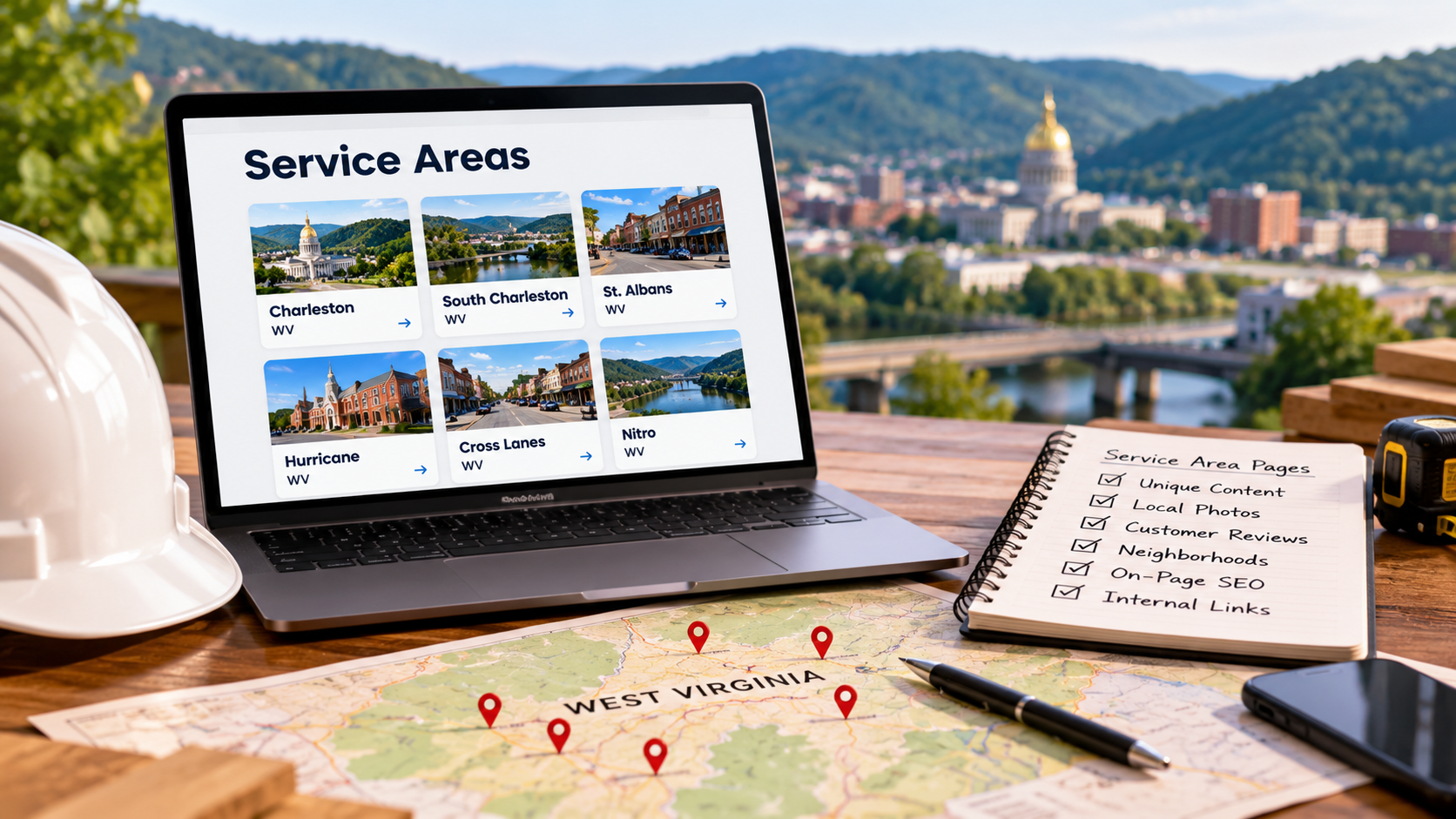
Don't create a page for every town on the map. Start with the handful of places where you already get work, want more work, and can realistically reach quickly. A few strong pages beat dozens of thin ones.
Make every page genuinely different
This is the most important rule. Google's spam policies specifically call out "doorway" pages: pages targeted at different cities or regions that funnel visitors to one place without adding real value. If your pages are identical except for the town name, that's duplicate content in all but name, and it falls squarely into that category.
To give each page unique content worth reading, include details that are true for that town:
Work you've done there. A short description and photos of real local jobs, with your customers' permission.
Reviews from local customers. Quote reviews that mention the town or neighborhood, again with permission.
Local conditions. Things like older housing stock, hilly terrain, flood-prone areas or rural roads, if they affect how you do the job.
Practical details. The neighborhoods or ZIP codes you cover, typical scheduling, and any local permit or inspection steps you help customers handle.
Cover the on-page SEO basics
Each city page should have:
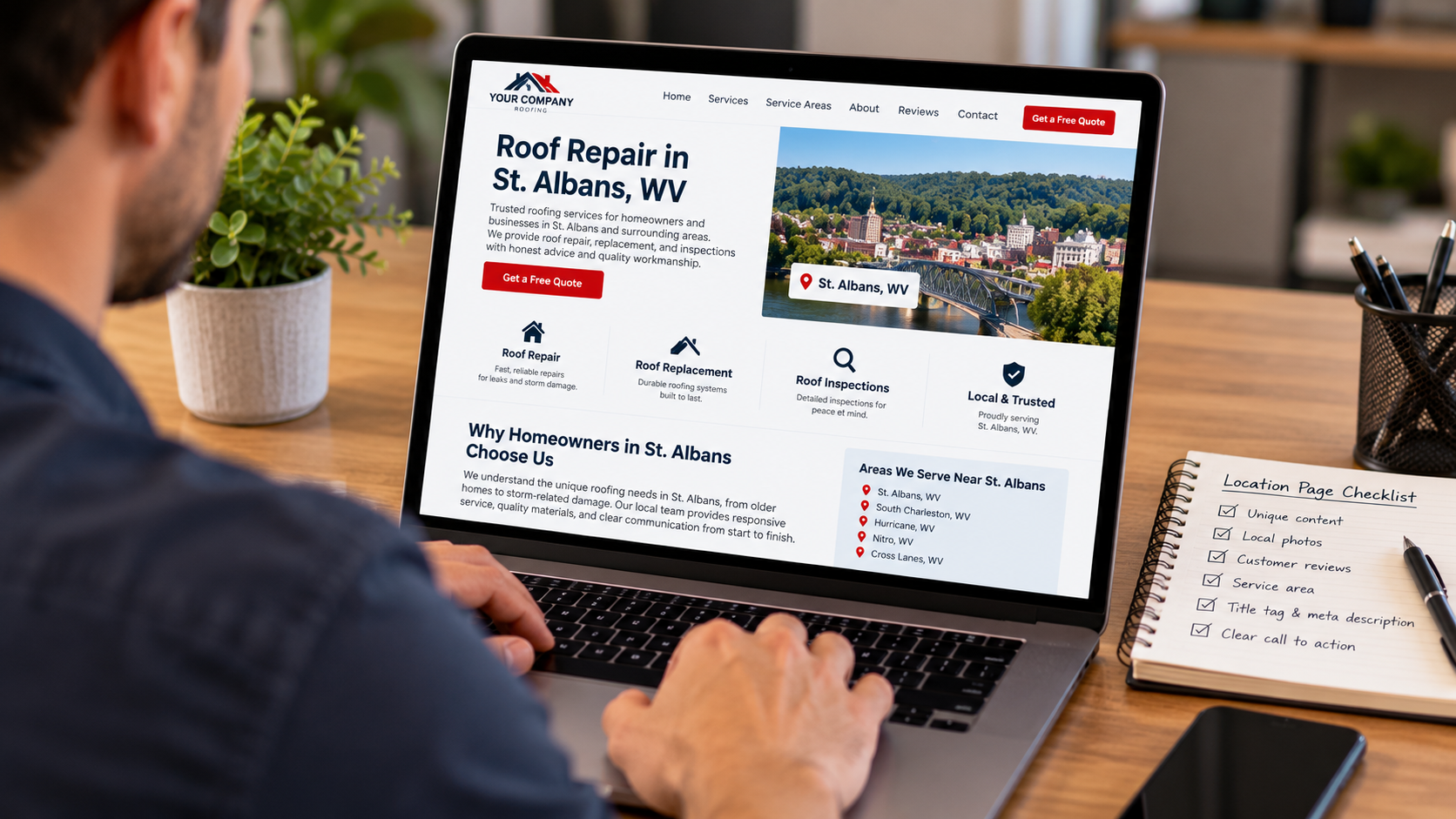
A clear title tag and H1 that name the service and the town (for example, "Roof Repair in St. Albans, WV"), so the main keyword appears where search engines expect it.
A unique meta description written for people in that town.
Your business name and phone number, matching what's on your business listing.
A clear call to action, like a call button or quote form near the top of the page.
If you want a deeper walkthrough of titles, headings and content structure, our post on on-page SEO basics for service pages applies to location pages too.
Link them so people and search engines can find them
A page nobody can reach won't do much. Link to your location pages from a "Service Areas" section in your menu or footer, from your main service pages, and from relevant blog posts. Where it makes sense, you can also point your listing's website link to the landing page that best matches that listing.
Mistakes to Avoid
Copy-and-paste pages
Swapping out the town name and calling it done is the fastest way to create pages that don't rank, or that drag down the rest of your site.
Listing every town you can think of
The same spam policies also flag blocks of text that just list cities and regions you're trying to rank for. A tidy list of the areas you cover is fine. A wall of town names in your footer is not, and it won't help your local SEO.
Promising coverage you can't deliver
If you build a page for a town, be ready to answer calls from it. A page that brings in leads you have to turn away wastes your time and frustrates customers.
Building pages and forgetting them
Location pages work best when they grow. Add new projects, fresh photos and recent reviews as you complete more jobs in each area.
Frequently Asked Questions
Do location pages actually help SEO?
They can, when each one is genuinely useful. A page that answers what someone in that town needs to know, shows real local work and makes it easy to get in touch gives search engines a clear reason to show it for local searches. Thin pages that only swap the city name rarely help and can work against you.
Can I rank in cities where I don't have an address?
Often, yes, in the regular organic results. The map results are much harder to win in a town where you have no physical location, because distance plays a big part there. A strong page about your work in that town is usually the most realistic way to earn a ranking in local search outside your home base. Explain genuine service coverage without pretending to have a staffed location, make the operating model and limits clear, and protect private contact details rather than inventing addresses or phone claims. A service-area page does not establish an additional business location.
How many pages should a service area business create?
There's no magic number. Start with the towns where you already do the most work or most want to grow, and only build as many pages as you can make genuinely different. It's better to have a few excellent pages than a long list of near-copies.
How do I avoid duplicate content across multiple cities?
Write each page from scratch around that town: the jobs you've done there, what customers there ask about, local conditions and the areas you cover. Reusing a short block of standard details, like your phone number or a list of services, is normal. The core of each page should be unique.
Which keyword should each page target?
Usually your main service plus the town name, like "[your service] in [town]." Use it naturally in the title, H1 and opening paragraph, then write for the reader. Repeating the keyword over and over won't help your SEO.
Should You Build Them Yourself?
If you have a handful of towns, good photos of real jobs, and time to write, you can start on your own. Begin with your most important town, make that page excellent, then repeat.
If you'd rather focus on running your business, 222 Websites can help you plan and build these pages as part of a broader local SEO and website design foundation. You can read more about how we approach SEO. We're based in downtown Charleston at 222 Capitol Street, Suite 522, and we work with small businesses.
Ready to Show Up in More Towns?
If you serve more than one town and your website only talks about one of them, you're likely missing calls from people who would hire you. Not sure where to start? Reach out to the 222 Websites team, and we'll talk through which towns to focus on first and what your pages need to rank.